


Apps and Resources to Reduce Stress and Boost Productivity
___
BONUS FREEBIE: Want even more ways to stay organized, productive and less stressed? CLICK HERE to get access to my List-Making Starter Kit. It will boost your efficiency and get you back to doing more of the things you love.
___
As a productivity expert, I have a whole list of things I recommend when someone tells me they want to overhaul their routine for reduced stress and more effective habits.
These are tried-and-true apps and resources that I use myself.
From exercise apps to video chatting platforms, here’s all the best tools for reducing stress and getting more done:
1) SETTING UP YOUR OFFICE: Whether you work hybrid, remote, or full in-office, having a workspace that supports your productivity is key. Here are some top resources:
Noise-Canceling Software: Krisp is an app that allows you to mute background noise, remove disruptive noise, and eliminate echoes during calls. It’s perfect for working from home, since you don’t have to worry about the sounds of your kids or pets distracting you, your co-workers, or your clients.
Microphone: Having a good microphone makes all the difference during calls and video conferences. I suggest the Stick Microphone for when you’re using your laptop, or the Lav Microphone when you’re using your phone.
Camera: It’s important for your coworkers and clients to be able to see you clearly during virtual meetings. Having a good camera will make it easier to seem professional even when you’re working from home. A clip-on light like this one will help improve the lighting when you’re using your phone camera. If you want to buy a separate camera, the Logitech 1080p Pro Stream is a great option.
Noise-Canceling Headphones: A pair of noise-canceling headphones will let you focus on your tasks, making it easier for you to be more productive and less distracted. Sony and Bose both make great ones. I have the pair from Bose in rose gold and I love them. But those are both pretty pricey. This pair from Soundcore is under $60 and has thousands of great reviews!
Computer Stands: Having a computer stand will keep you from straining your neck and back while you’re working. Plus, it will make your camera eye level when you’re doing video meetings (pro tips here) or recording videos. This is super important for creating connection and intimacy with the person you’re talking to. If you can’t be in the same room it’s key. I’ve purchased three of these stands over the years to keep in multiple rooms. You can also try a standing desk! This one is adjustable and easily converts to a sitting desk. Or you could use one like this that converts any surface into a standing desk.
2) KEEPING IN TOUCH: Whether you’re using these tools to connect with colleagues or loved ones, having go-to ways of communicating is essential.
Marco Polo: This video-chat app is great for staying in contact with friends and family while traveling. It’s a mix between Snapchat and FaceTime – you film and send a video, and the recipient(s) can watch and respond at their convenience. I use it every day with my friends, family and even clients. I tell all my media-training clients to download it to get used to speaking to a camera.
Voxer: Voxer is a walkie-talkie app. It makes it easy to stay in contact with coworkers when your team is working remotely. You can leave audio messages for each other and this makes it much easier to get it right when you can’t tell the tone of an email or have something complicated to explain.
Zoom: We all got used to Zoom in 2020 and it became popular for a reason. I use it all day, every day. It makes it easy to coordinate virtual meetings with lots of participants, and it has great sound and video quality. There are both free and paid versions depending on your needs. I use it to media train clients, have virtual tea meetups with potential clients as well as friends and family. Plus, I’ve run all my webinars and virtual trainings using it. Including this one that I did called, Virtual Meeting Pro, which will help you elevate your virtual presentation skills via video.
Vidyard: Vidyard is a way to leave quick video messages for people in email or via text. They have video hosting and management, and they’ll also help you create interactive and personalized content. You can even see data about your viewers. I use it with my media-training clients all the time to give them quick feedback on their media pitches or videos they’ve produced.
3) STAYING ON TRACK: One of the biggest productivity pitfalls is losing track of time and getting distracted. These tips and apps help you avoid that.
Toggl: Toggl allows you to record your hours using their app or website. You can create reports for clients and keep track of different projects. It’s easy to use and it’s a great tool for making sure you can account for your working hours. It’s also ideal when trying to figure out how long it actually takes you to do a task. Knowing how long tasks will take will make you much more efficient throughout the day because you’ll know exactly how much you can fit in.
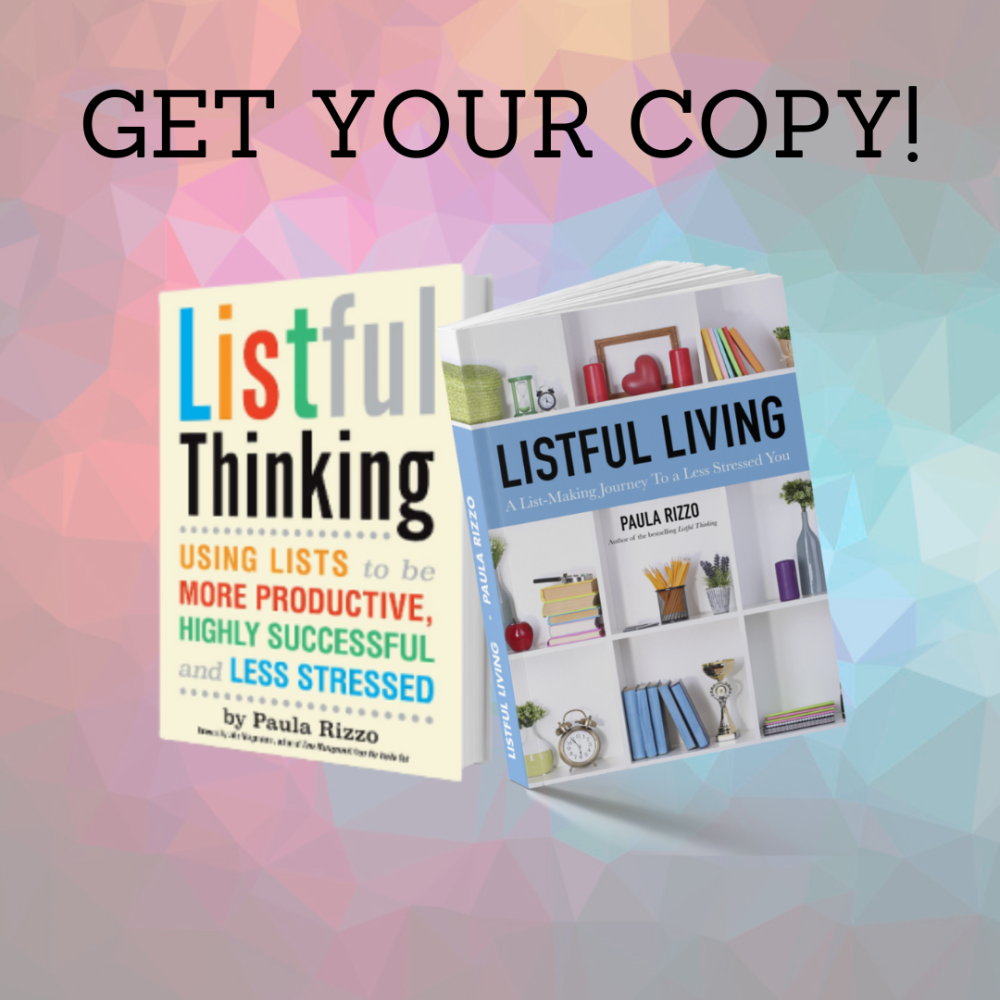
List Making: Making lists is a great way to stay organized when you’re working remotely. As I wrote in my books, Listful Living and Listful Thinking, making lists of all the things you have to do will help you get more done while reducing your stress. Plus, having a roadmap in front of you each day will keep you on track and keep you accountable.
Accountability Buddies: Make a plan with your friends or coworkers for what you each want to get done each day. Sharing your goals will help you (and them!) stay on track. Set up a quick call in the morning or once a week where you can share what you’re working on and what you might need help with. The same goes for teams. This can be a really powerful and free tool.
Scheduling Your Day: If you work from home, setting “office hours” for when you’re going to be working will help you create structure and get more done. If you tell yourself you’re going to be working from 9 a.m. to 4 p.m. with a lunch break, you’ll be able to focus more easily and set specific, timed goals for yourself. Plus, this will help you to set up boundaries more easily.
Caveday: If you think you’d benefit from even more structure, Caveday is a great option. By joining, you’ll get unlimited access to all caves, which are group-focus sessions led by a trained guide so you can all get into the zone together.
___
___
4) KEEPING GROUNDED: It’s so important to set yourself up for success by investing in your well-being.
Calm app: This app offers lots of different ways to relax, from guided meditations to lullabies to sleep-inducing bedtime stories for grown-ups. It’s one of my favorite tools and I use it every single day. Also when I’m traveling I like to use it to zone out on the plane. Plus, they have audio episodes of The Joy of Painting with Bob Ross. Sometimes it’s nice to hear a friendly voice.
The Relaxation LoFi & Chill account on YouTube: This account has great background music for working. It’s 12 hours of relaxing instrumental music with the right amount of energy to keep you relaxed but not sleepy.
Tree.fm: If ambient noise is best for helping you work, this website and chrome extension might be perfect for you. It plays recordings of forests from all over the world. Right now I’m listening to birds chirping in Santa Catarina Pinula, Guatemala.
Exercise apps: Yoga can help you relax and get some exercise at the same time, and an app like Down Dog is a great way to keep your workout interesting. I recently purchased the digital version of YogaWorks classes through MyYogaWorks.com so I can practice at home.
Day One Journal app: Keeping a journal can help you clear your mind and work through your emotions. This journaling app allows you to insert pictures, videos, drawings, and even audio recordings in addition to text.
Finch: This is an adorable app that helps you with your self-care goals. My friend Sharon and I have been testing it for almost four months and it’s definitely better with friends. Do you remember the Tamagachi toys where you would take care of a virtual pet? It’s kind of like that and you get to keep your little bird (or birb as they call it) feeling energized and going on adventures as you do self care to-dos. You can add your own to-dos and also they have a bunch of preloaded journeys to help you take better care of yourself.
I hope this list is helpful! If you’ve found tools that are especially helpful please share them with me in the comments below and I can add them to this list.
___
BONUS FREEBIE: Want even more ways to stay organized, productive and less stressed? CLICK HERE to get access to my List-Making Starter Kit. It will boost your efficiency and get you back to doing more of the things you love.
___

